
Must know BPI app features for current and prospective homeowners
Getting your new home is exciting—and the BPI app is here to make the journey smoother.
Insights and blogs
Dec 05, 2025
Owning a new home is an exciting milestone—and the BPI app is here to help make every step a little smoother. Whether you’re still looking for a property or have already settled in, the app has features in the “More Services” pre-login menu you will surely find useful.
To access these features, tap “More Services” before logging in.
Here you will find quick links to useful product and services listed for your convenience.
Take the first steps to avail of a BPI Housing Loan right at your fingertips by tapping the “Apply for a housing loan” button located in the “Savings, investments, & loans” section.
Access select post loan services by tapping the “Housing loan after sales services” button in the “Savings, loans, & investments” section.
Tap the “Buena Mano” button under the “Savings, loans, & investments” section.
“Get home insurance” button under the “Insurance” section to easily apply for a BPI MS Home Protection package.
Pay home-related bills
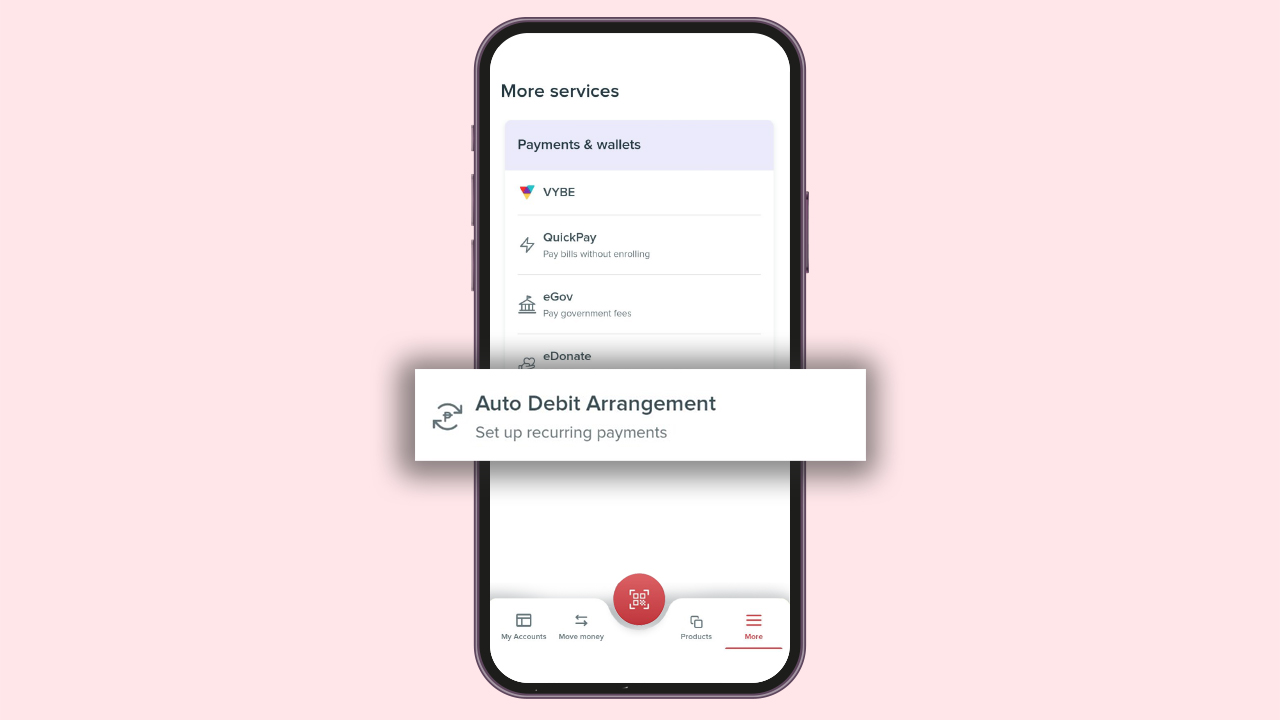
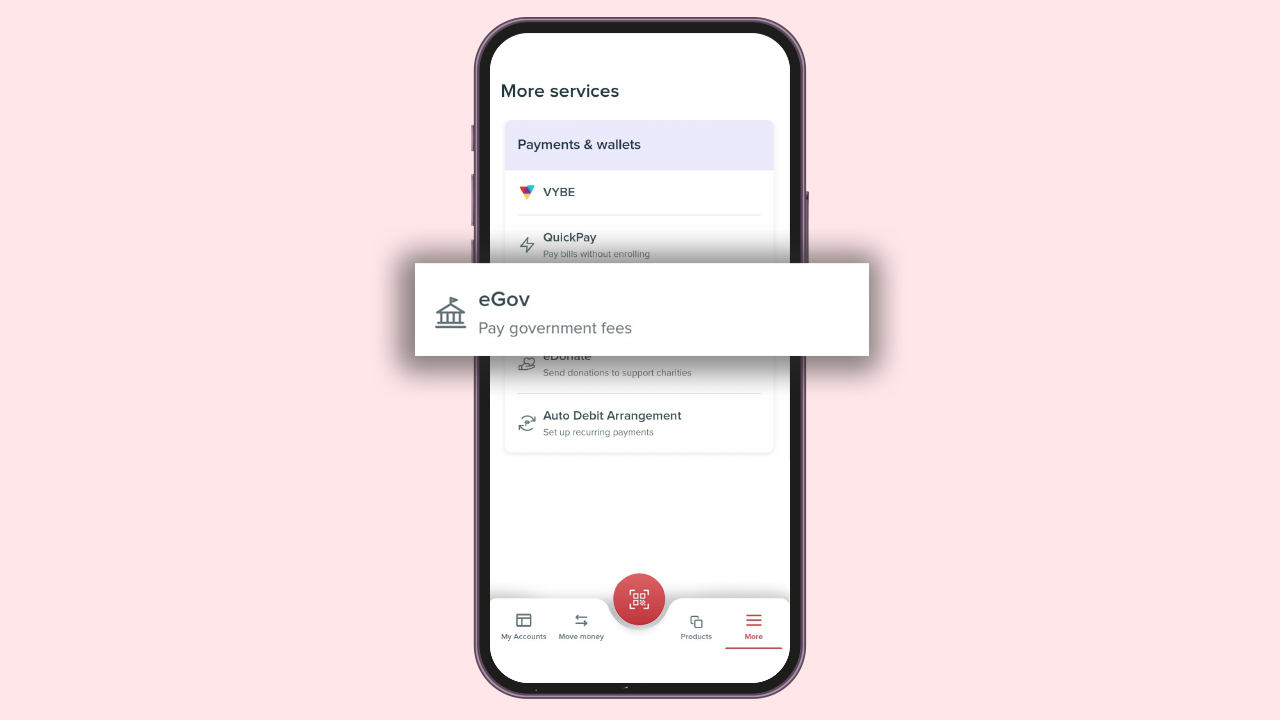
Browse the “Payments & wallets” section to:
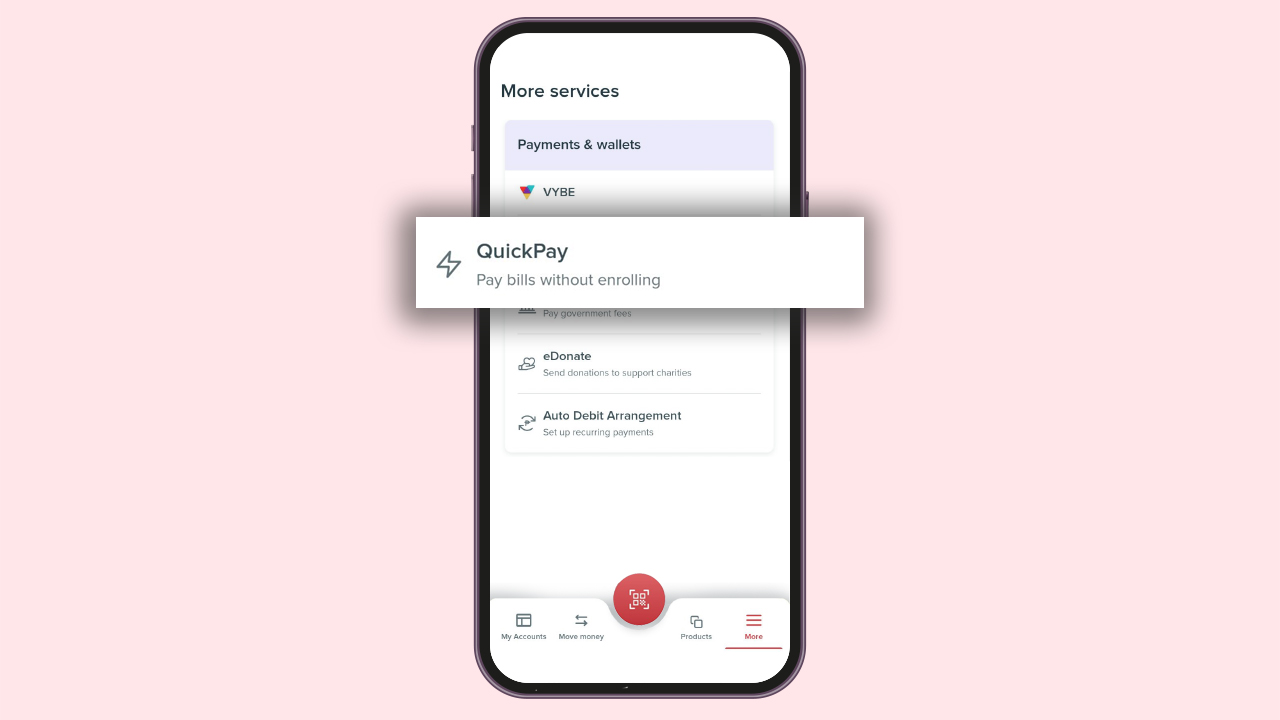
Directly pay billers without enrolling them in the BPI app via “Quickpay”
Automate your bills payment via “Auto Debit Arrangement”
Easily settle your government dues via the ‘eGov’ button
Whether you’re still planning on buying your dream home or currently a proud homeowner, the BPI app has the tools to help you do more in life. Login and explore those features today.
Discover More Banking and Financial Tips

How to Pay Your Credit Card Bills Online
Experience a smooth-flowing process the next time you pay for your credit card bill.
Read insights blog

5 Key Terms in Your Credit Card Statement You Must Know
By understanding these terms, you can effectively manage your credit card usage, avoid fees...
Read insights blog

How to Access Your Funds When Traveling Abroad
It pays to be familiar with foreign exchange rates when you are on an overseas trip.
Read more